
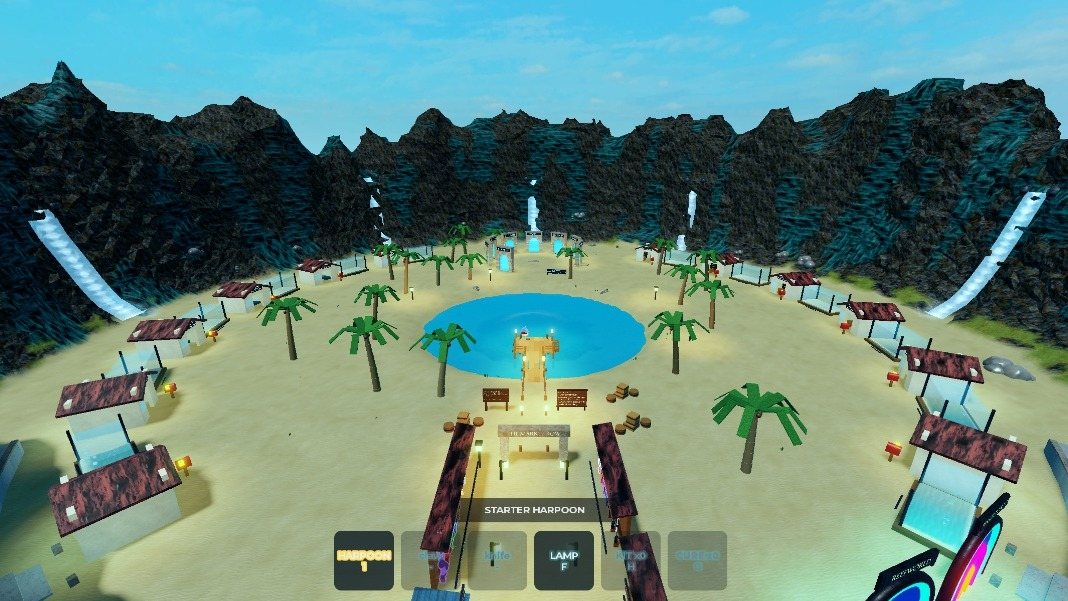
Beta
Join the beta
No forms, no waiting: you get into the beta inside Roblox, in three steps.
How to get in
- Join our community on Roblox: Dungeon Runner Studios. Press Join: you're in straight away.
- Open the game: ReefHunter Unlimited. Keep this link: the game is private while we test, so it isn't listed on the community page or in Roblox's search yet. Younger than 16? See below first.
- Play. Read the short beta rules once, accept them, and dive in. No request, no waiting: community members get straight in.
High Tide, Open Beta: 1 December. The full game opens to everyone then, and beta progress resets.
On a computer? Scan with your phone
Point your phone's camera at a code: 1 JOIN opens our community, 2 PLAY opens the game.

Invited by a friend?
Come play! The same steps apply: join the community, open the game, play.
Share the game with your friends: any way you like.
- Send them the game's link: reefhunterunlimited.com/beta, or this page.
- Show them the QR codes above.
- Use Roblox's own invite from inside the game.
THE REEFHUNTER BETA
The rules: the game shows you these too.
- This is a beta: things will break.
- Your progress may be wiped, and servers can restart or kick you out at any time.
- During the beta there is a maintenance window every day at 13:00 UTC: servers may restart then, with a countdown. Now and then an emergency restart can happen at another time, also with a countdown. Fixes arrive at a restart.
- New test builds arrive often.
- Free during the beta: nothing here costs real Robux. Packs and premium fish cost Reef Bucks, which you earn from trophies. Robux options are coming soon.
- Your feedback is how the game gets made: Menu > Feedback.
- Until High Tide, your coins and other currencies WILL change: they are re-balanced every day as we work towards the fairest balance of effort and reward, and in rare cases reset to a smaller starting amount.
- Please: no videos, streams or screenshots until High Tide. Inviting your friends is welcome!
- High Tide, Open Beta: 1 December. The full game opens to everyone then, and beta progress resets.
- Under 16? Ask a parent to read this with you: you take part with their agreement.
Younger than 16? Ask a parent first
ReefHunter Unlimited is rated Mild, Ages 16+ on Roblox while it's in testing, so younger players need a parent's OK. Roblox handles it all: there's nothing to fill in with us. It takes a minute.
For the player
- Open the game. Instead of Play you'll see Unlock, with "Ask your parent to unlock this game for you". Press Unlock.
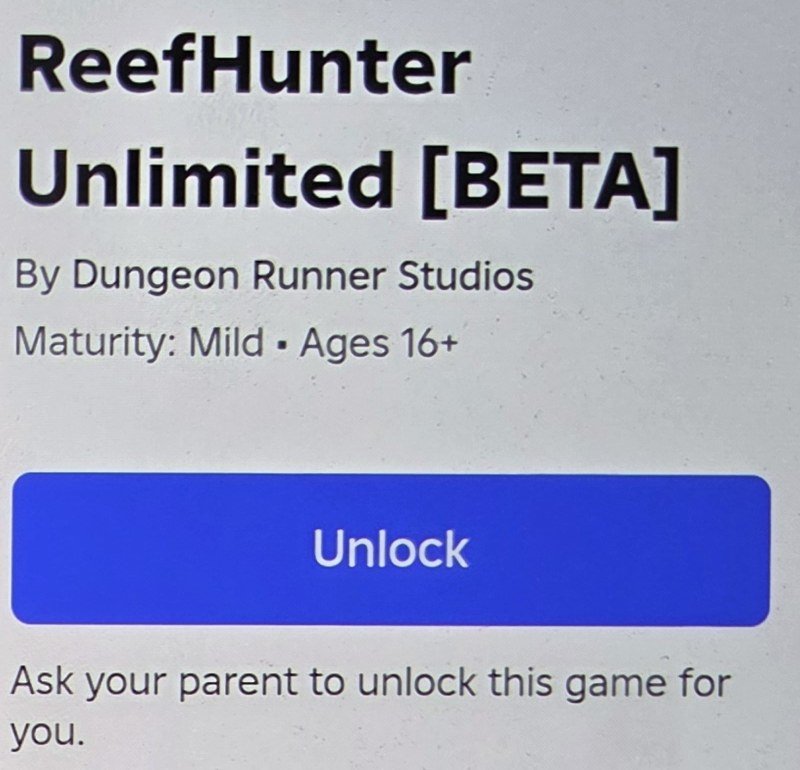
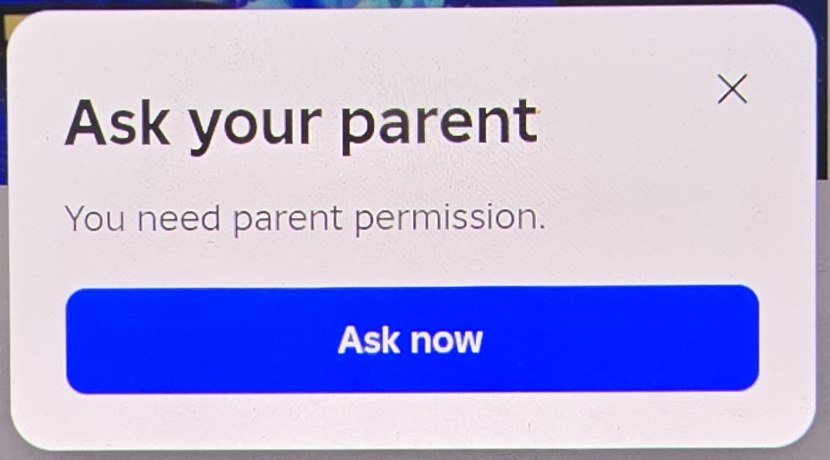
- Press Ask now. Roblox asks your parent for you.
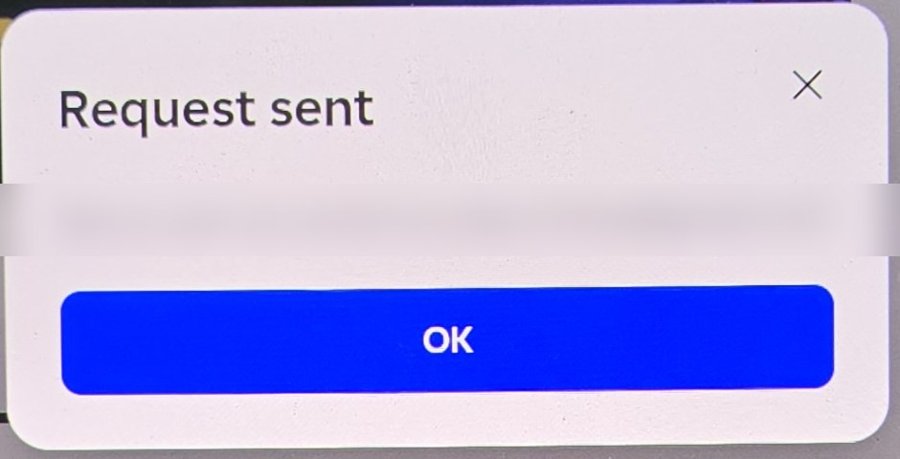
- Request sent. Roblox emails your parent.
- Already linked to a parent on Roblox? That's it: wait for your parent's OK.
- Not linked yet? Roblox first asks for your parent's email. It emails your parent, who confirms their own age and links their Roblox account to yours (this also gives them Roblox's parental controls).
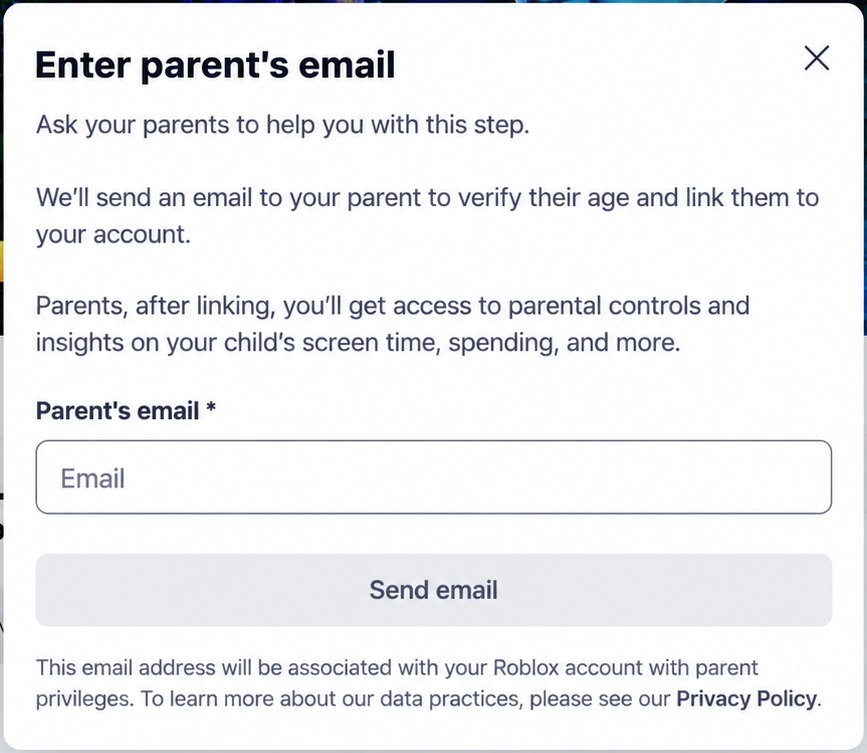
For the parent
- Find the request: on Roblox, Settings → Parental controls → your child → Pending requests: "Unblock ReefHunter Unlimited [BETA]". Press Review. (The email from Roblox links there too.)

- Press Allow. Your child's maturity setting can stay as it is.
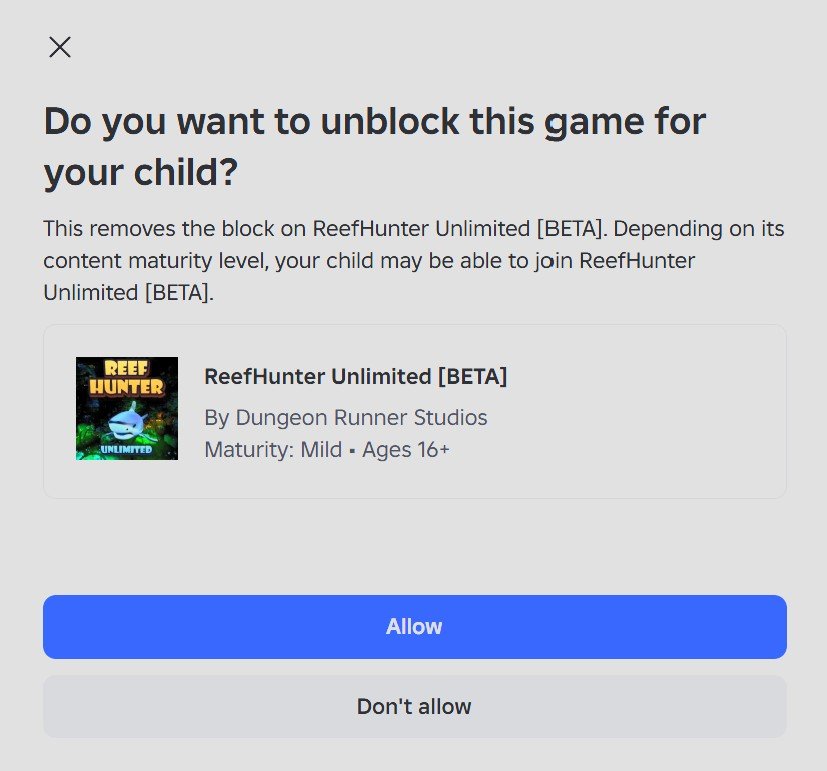
Back to the player
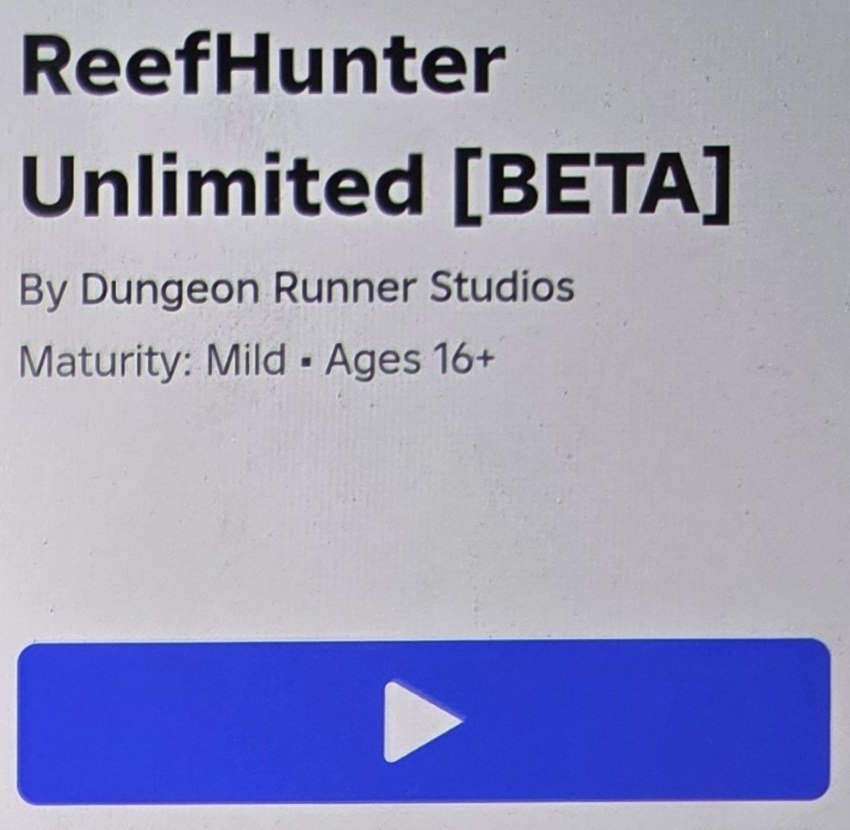
- Play. Open the game again: the Unlock button is now Play. Then follow the steps at the top of this page.
Parents: we never see your email or your child's details. Everything above happens on Roblox. The beta rules have a line for you too: younger players take part with your agreement. Read our privacy policy.
Good to know
- Use your own Roblox account. Your progress in the beta may be wiped before High Tide.
- Already in? For beta testers has your mission and how to give feedback.
Questions about your data: [email protected].
Ready?
Join the community, open the game, play.